


Plan the way your thinking unfolds.
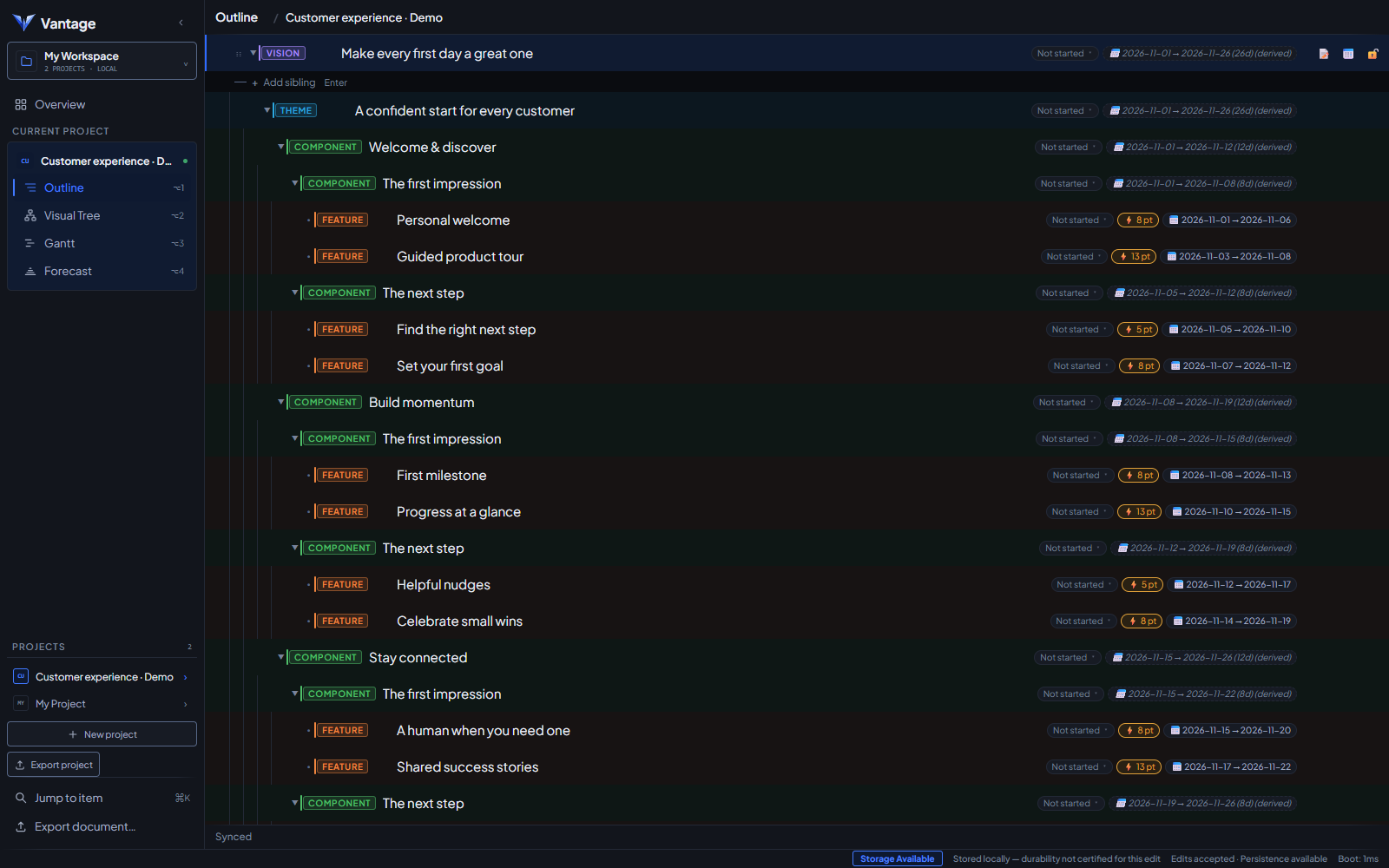
Start with an idea, not a reporting template. Shape it into a vision tree, adding structure as your thinking takes shape.
 vantageExplore the demo ↗
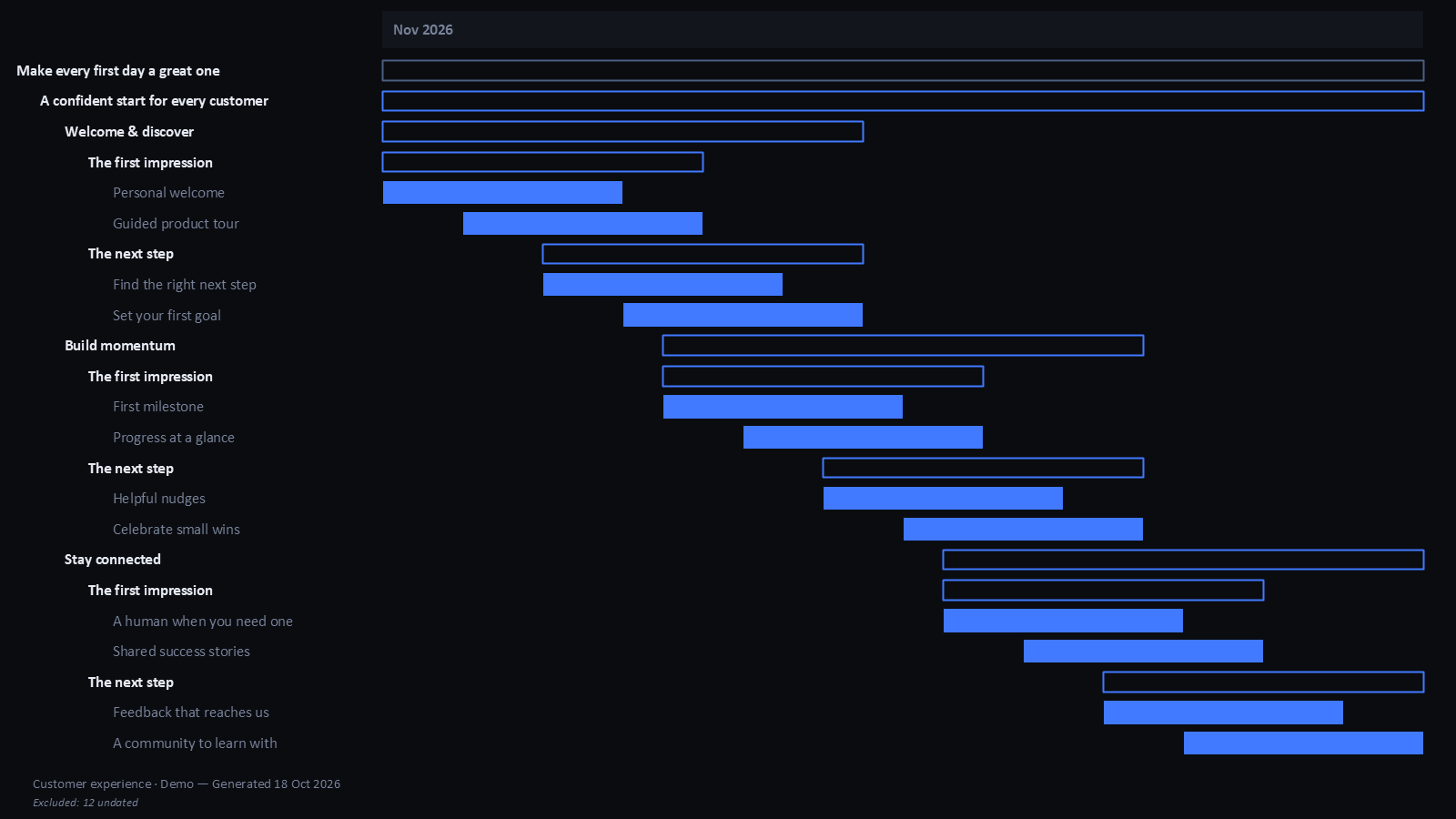
Plan the way you think. Shape the work, connect the details, and explore what comes next. Your roadmap, briefs, and stakeholder materials come from that same plan, so you spend less time copying and reformatting it for updates.
Watch it come togetherAn 85-second tour of the productType the plan as it comes to you. Enter, Tab, and a type when you want one.
Keyboard firstEnter for the next idea. Tab to nest it.
Type is optionalCall a row a theme, component, or feature only when you’re ready.
The plan takes shapeFrom vision to features without leaving the keyboard.
You work through the priorities, the sequence, the details. Then comes another job: rebuilding that thinking into a roadmap, a deck, and a document for the next meeting.
In Vantage, the roadmap, slides, and documents start with the plan you are already building.
Ideas, priorities, briefs, estimates, and dependencies.
Views and exports drawn from one source. Update the plan, then generate the version you need for the next conversation.
Start with an idea, not a reporting template. Shape it into a vision tree, adding structure as your thinking takes shape.
Capture the brief, acceptance criteria, questions, and dependencies where you plan the feature. Move between outline, tree, and Gantt without recreating that context.
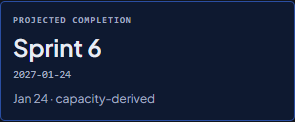
Forecast delivery from scope, estimates, and capacity. Save scenarios to explore different trade-offs against a captured baseline.
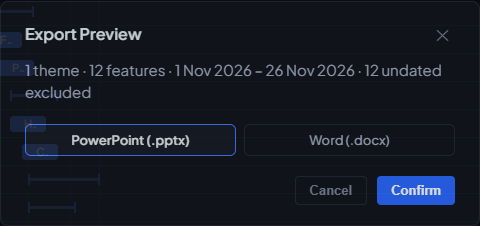
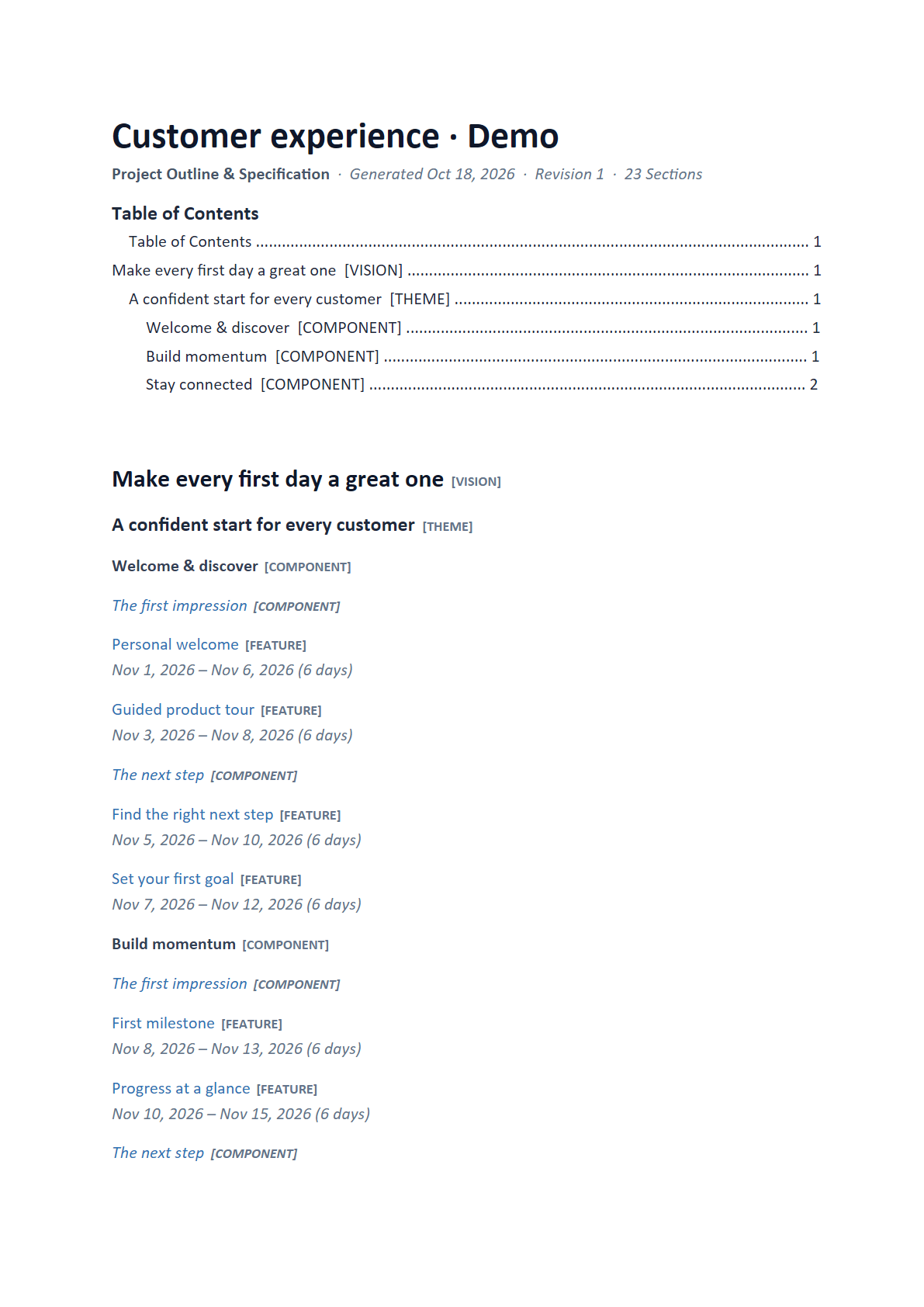
Use the same plan for your roadmap, slides, and documents. Spend less meeting prep copying and reformatting the work into another version.
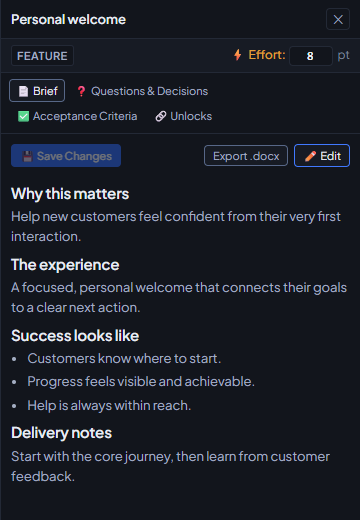
Write the brief where you plan the feature. Keep its acceptance criteria, open questions, decisions, and unlock relationships together. When you need a document, export that brief directly from the inspector.
Shown: the Brief tab on “Personal welcome”, with its properties and one-click Word export.
 ⤢ Open full screenshot
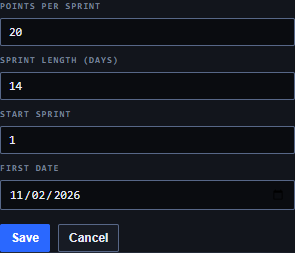
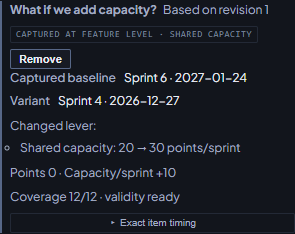
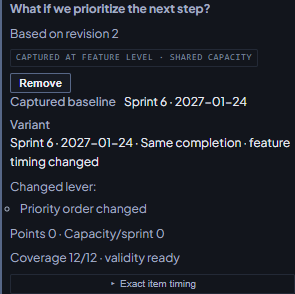
Move a feature up the list. Give the team more capacity. See how the delivery picture changes before changing the live plan.
Save the alternative as a scenario, then bring the comparison into the conversation.
Uses the demo plan from the forecast: 102 points, with capacity going from 20 to 30 points per sprint.
Move Find the right next step to the top of the list.
Put your energy into what comes next. Let the plan carry the context into your next conversation.
Explore the demo ↗Development preview · Synthetic demo content · No account needed